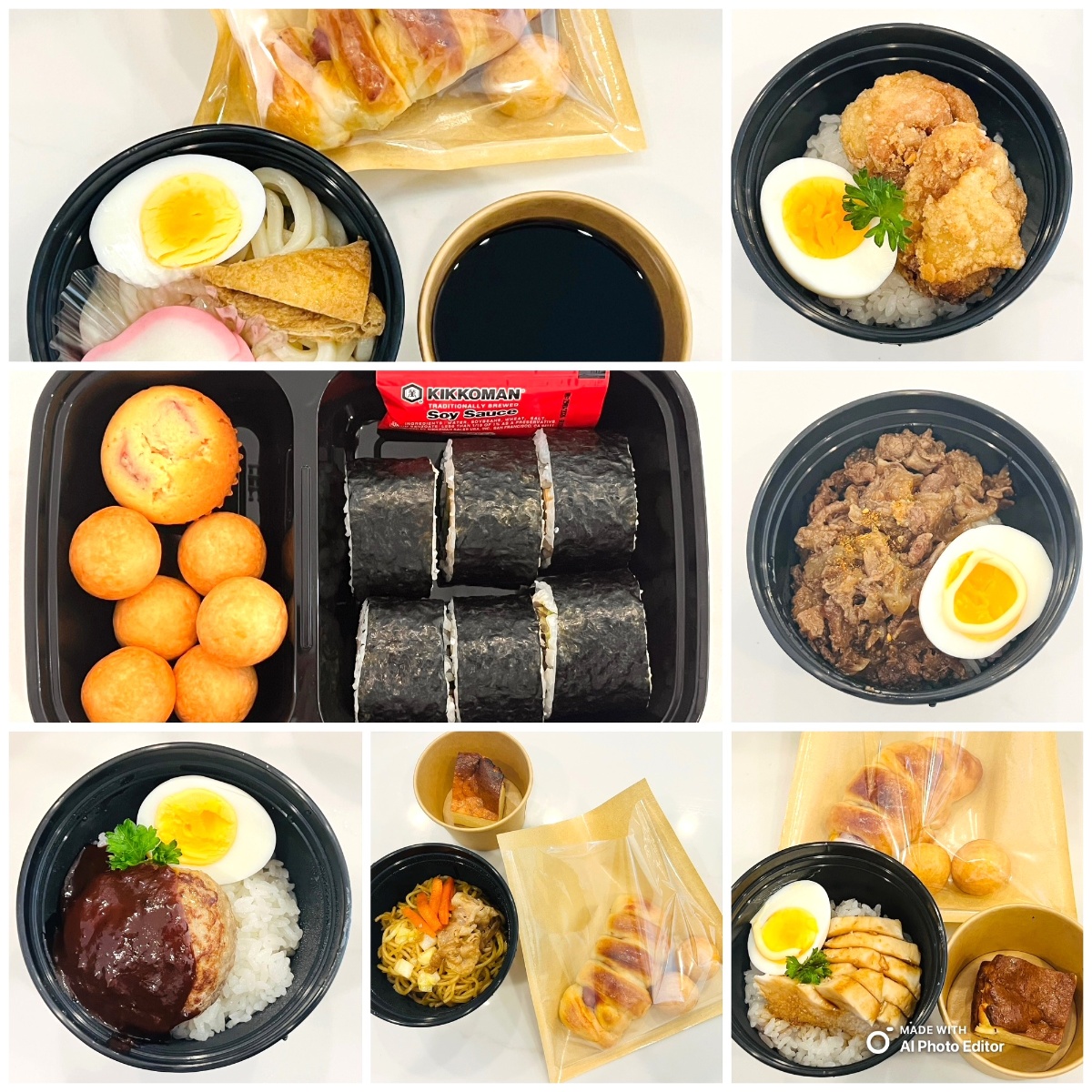
Friendly Reminder: Weekly Orders
Please place your order by Friday night to help us prepare for the following week.
Direct Delivery
Lunches are delivered directly to Science & Arts Academy. Your child receives their meal fresh and ready to enjoy.
The Lunch Set
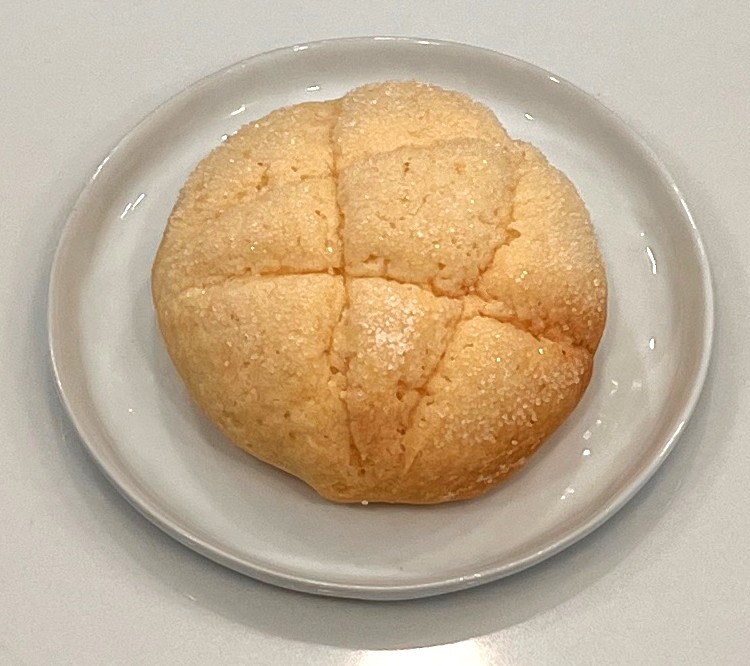
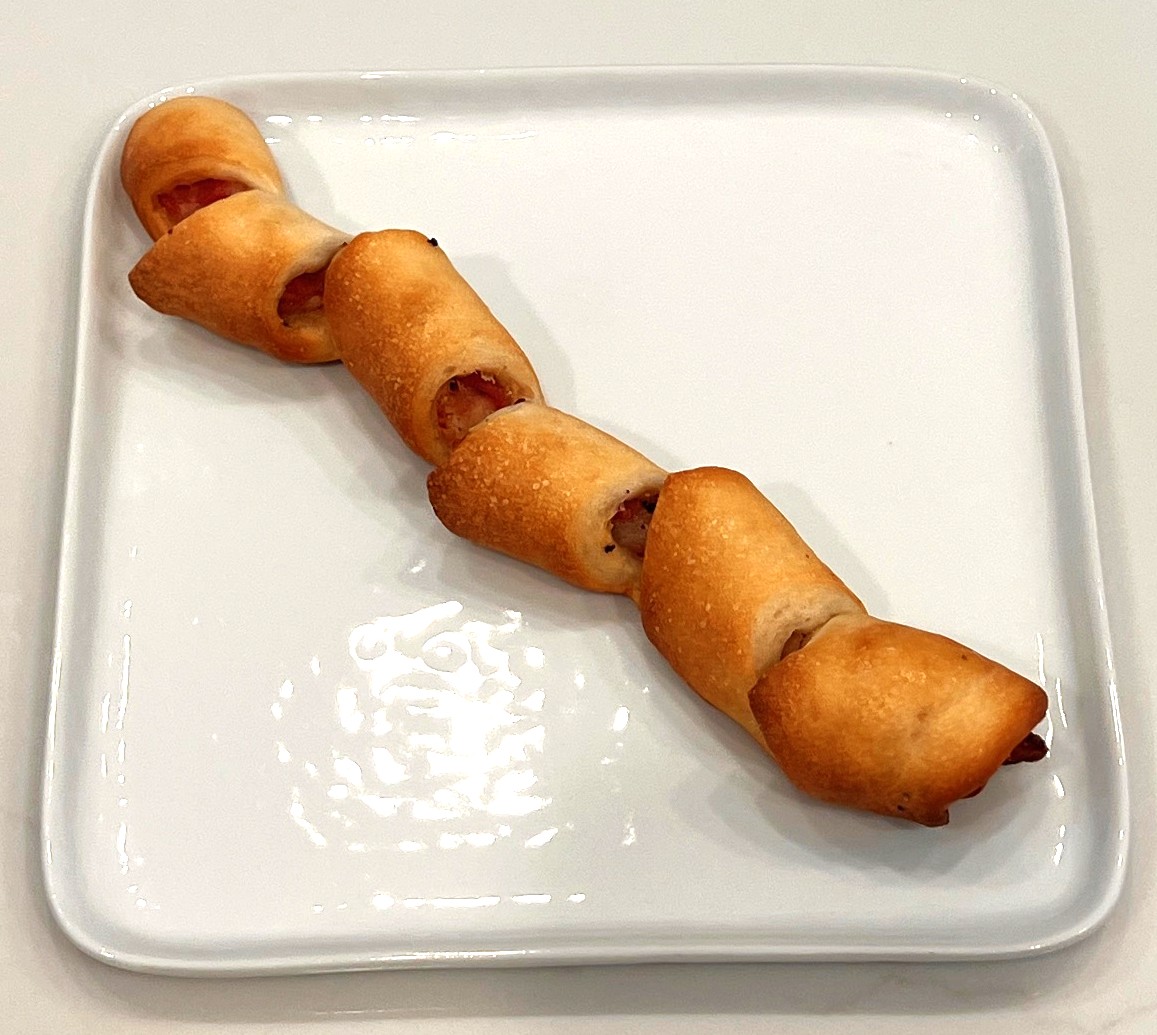
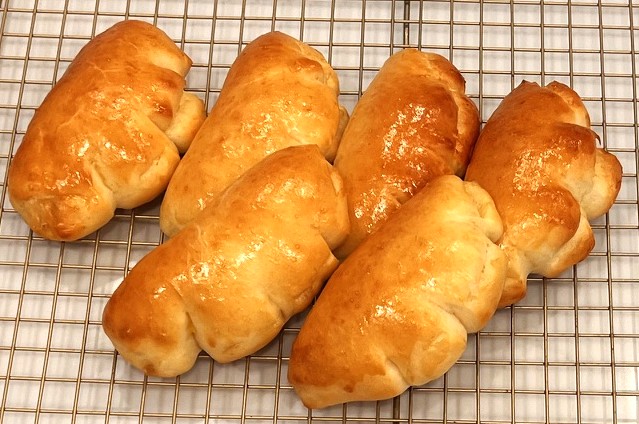
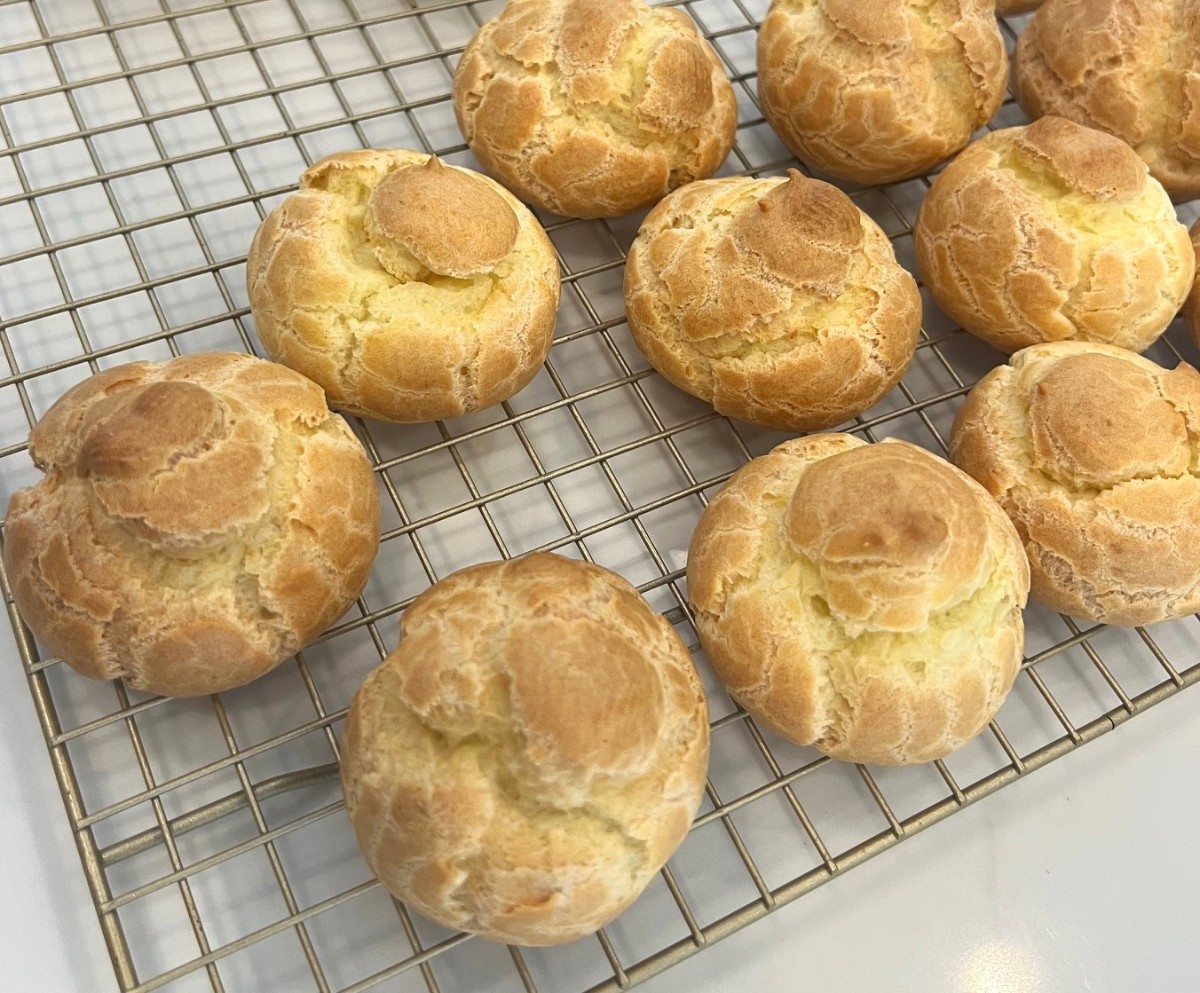
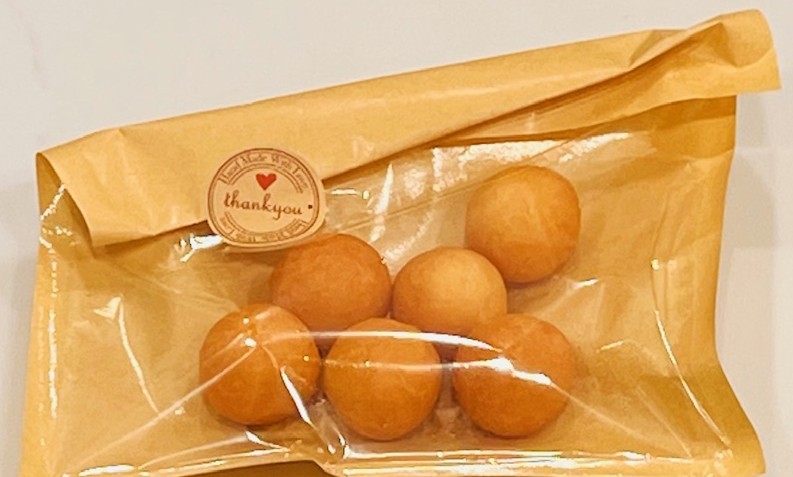
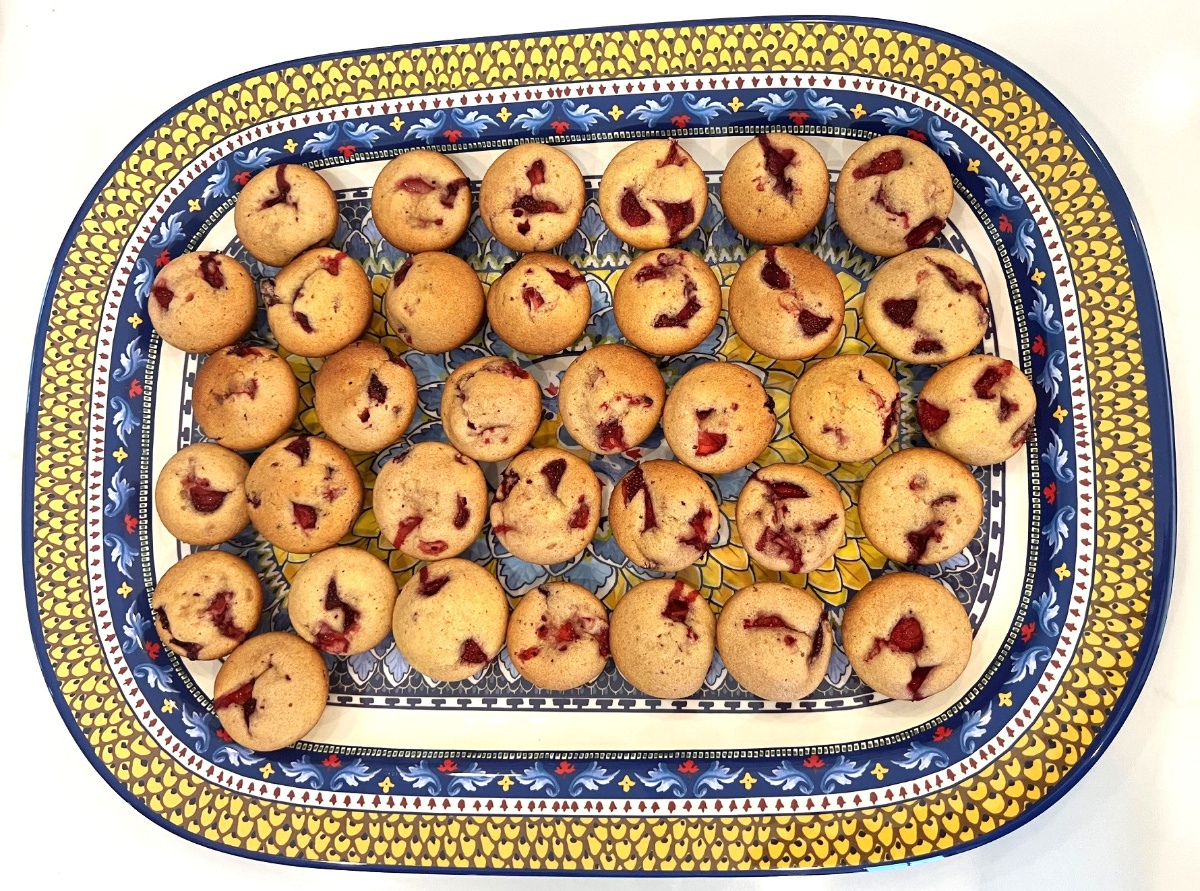
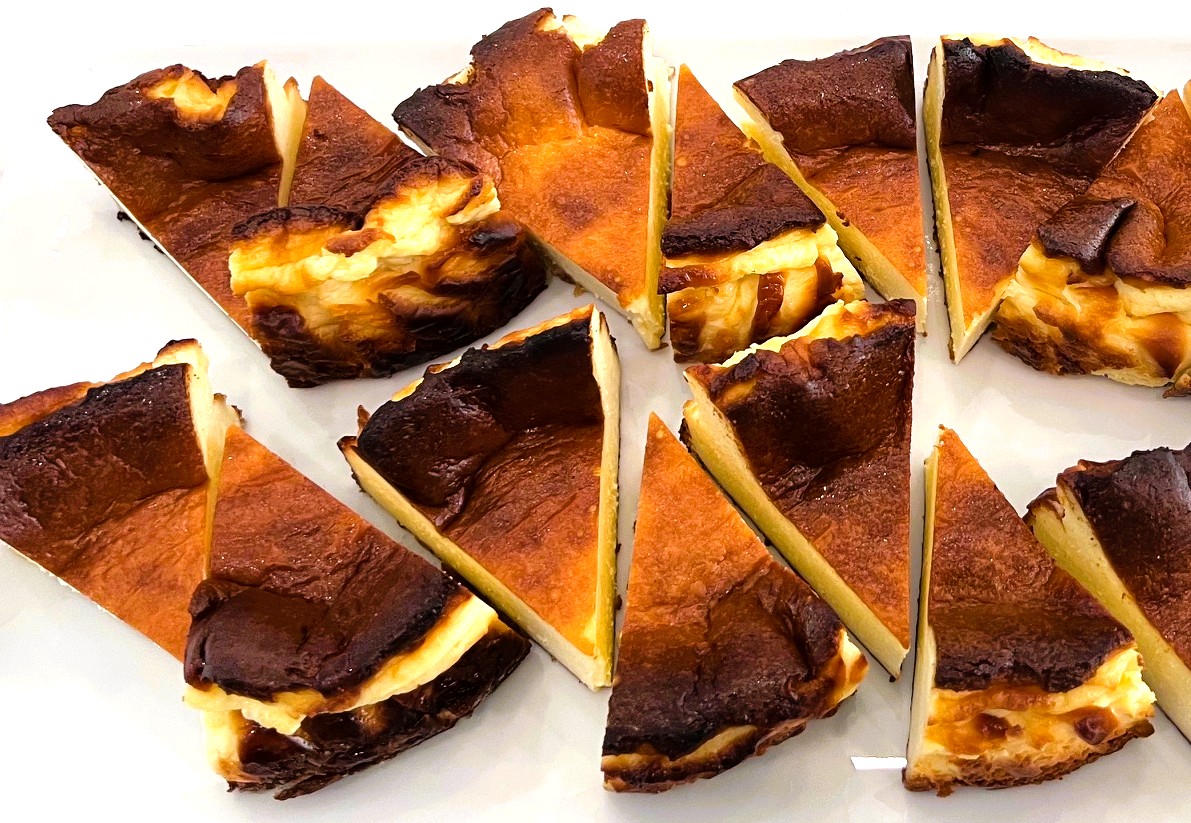
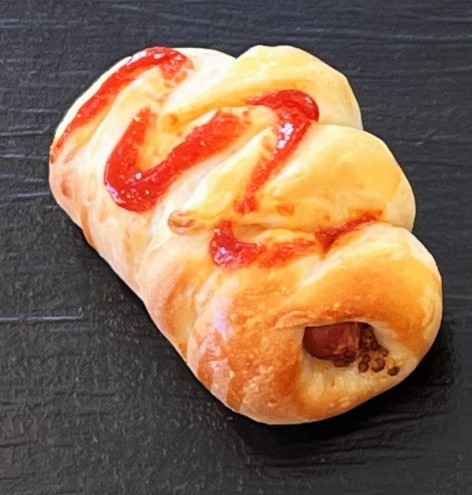
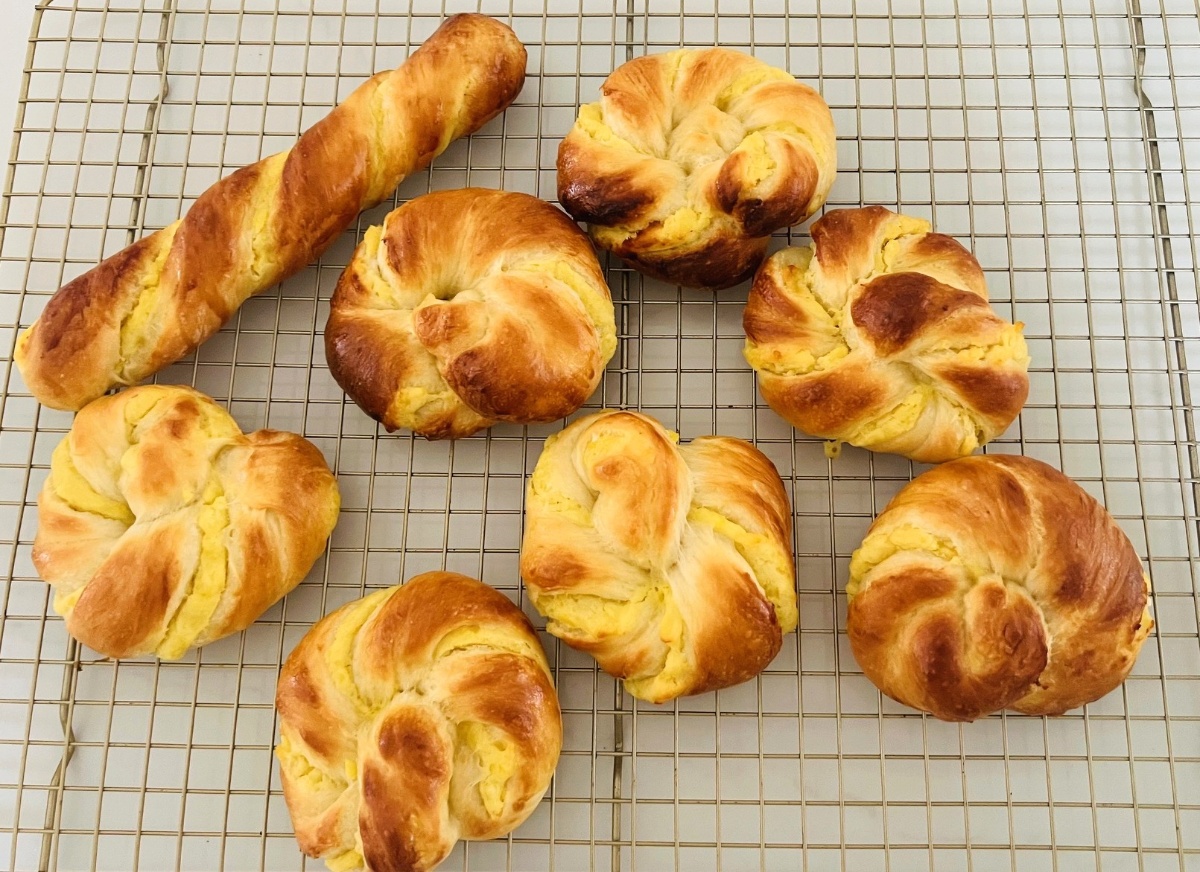
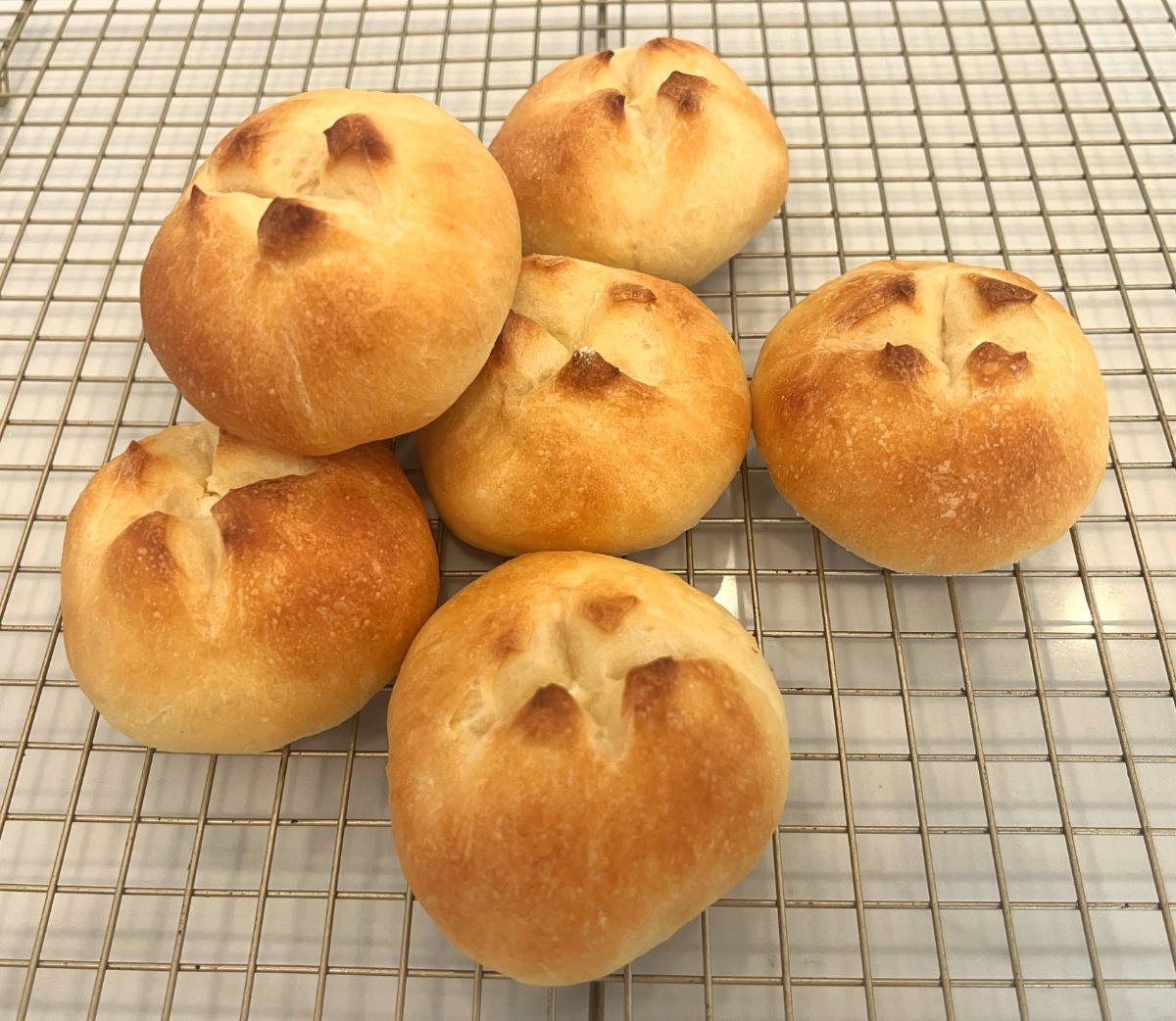
Each lunch includes a rotating daily snack. We offer cookie-crust bread, mochi donuts, strawberry muffins, custard bread, and more — all made from scratch. Nutritious, delicious, and perfectly portioned for students.
Weekly Menu
Meatloaf
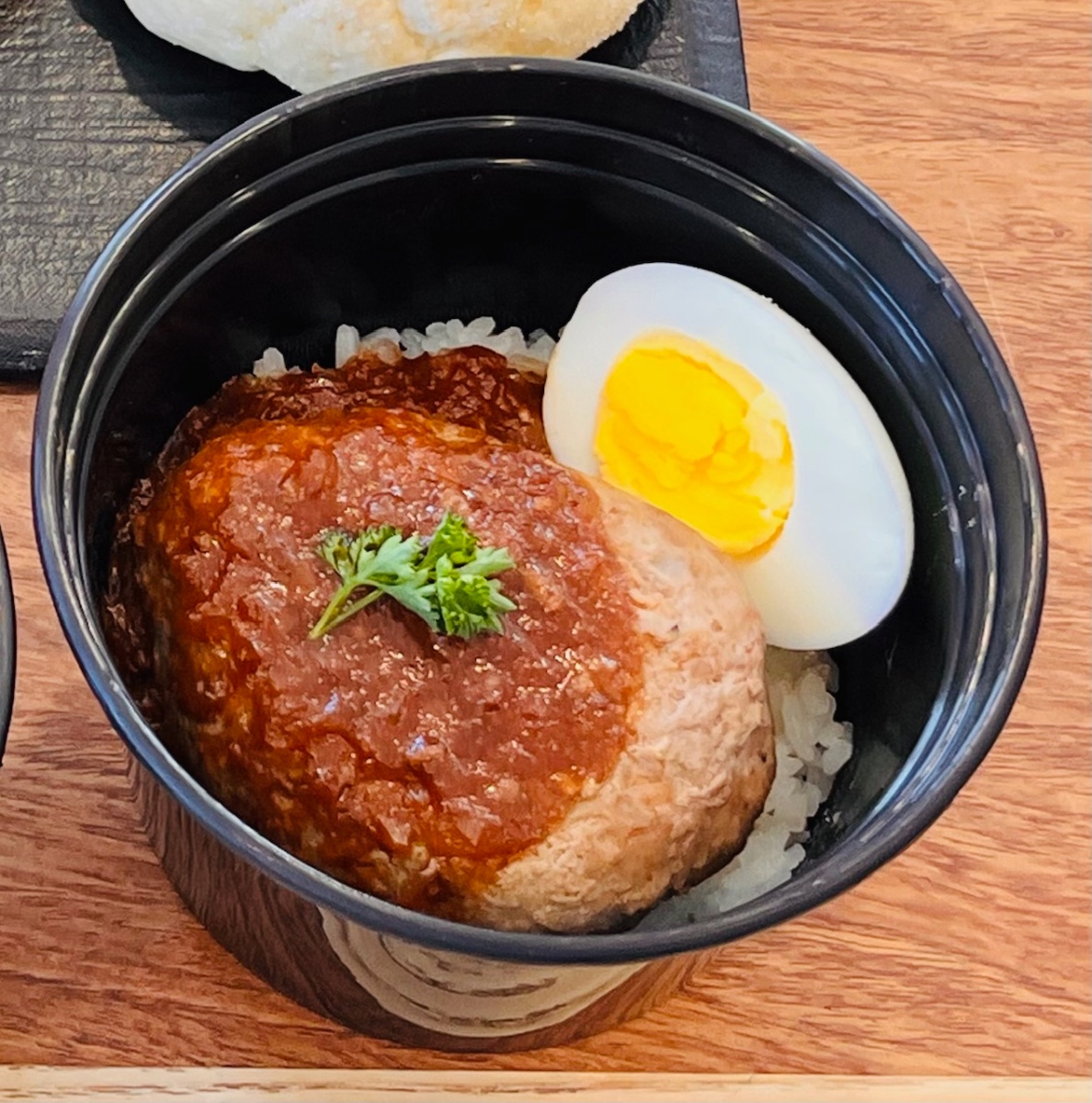
Beef bowl
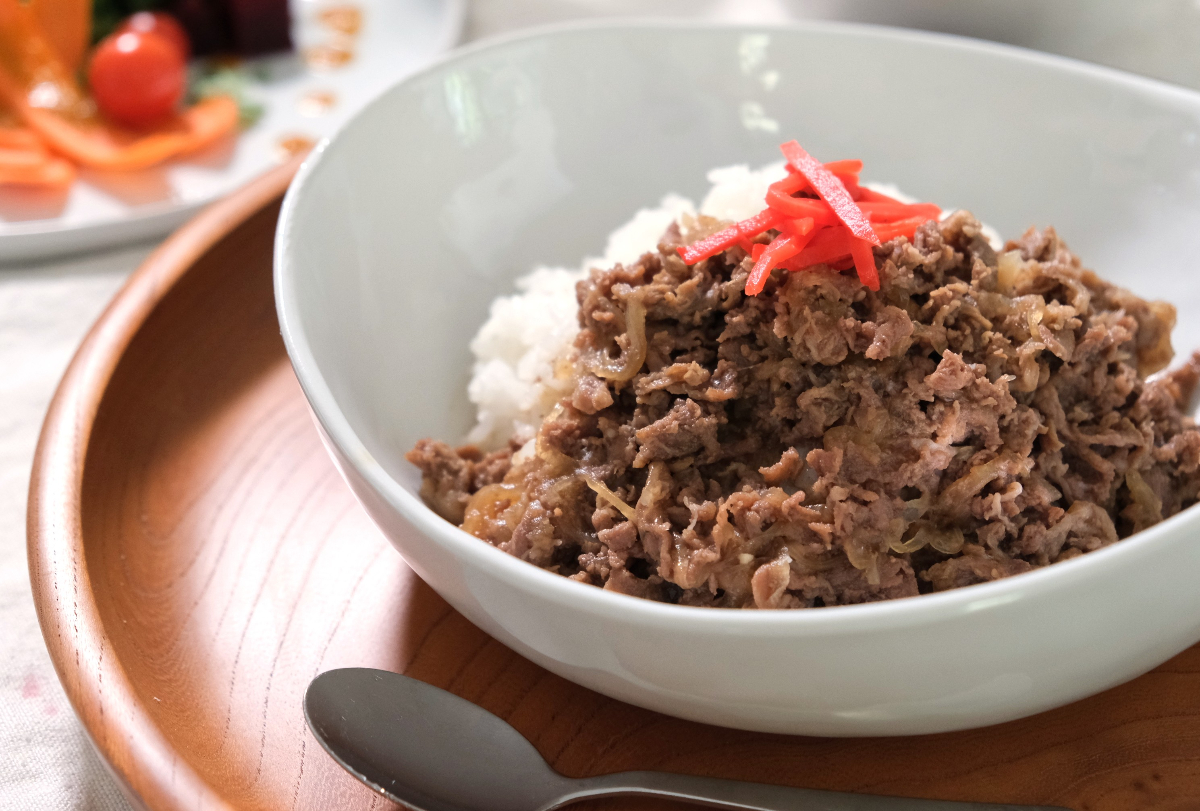
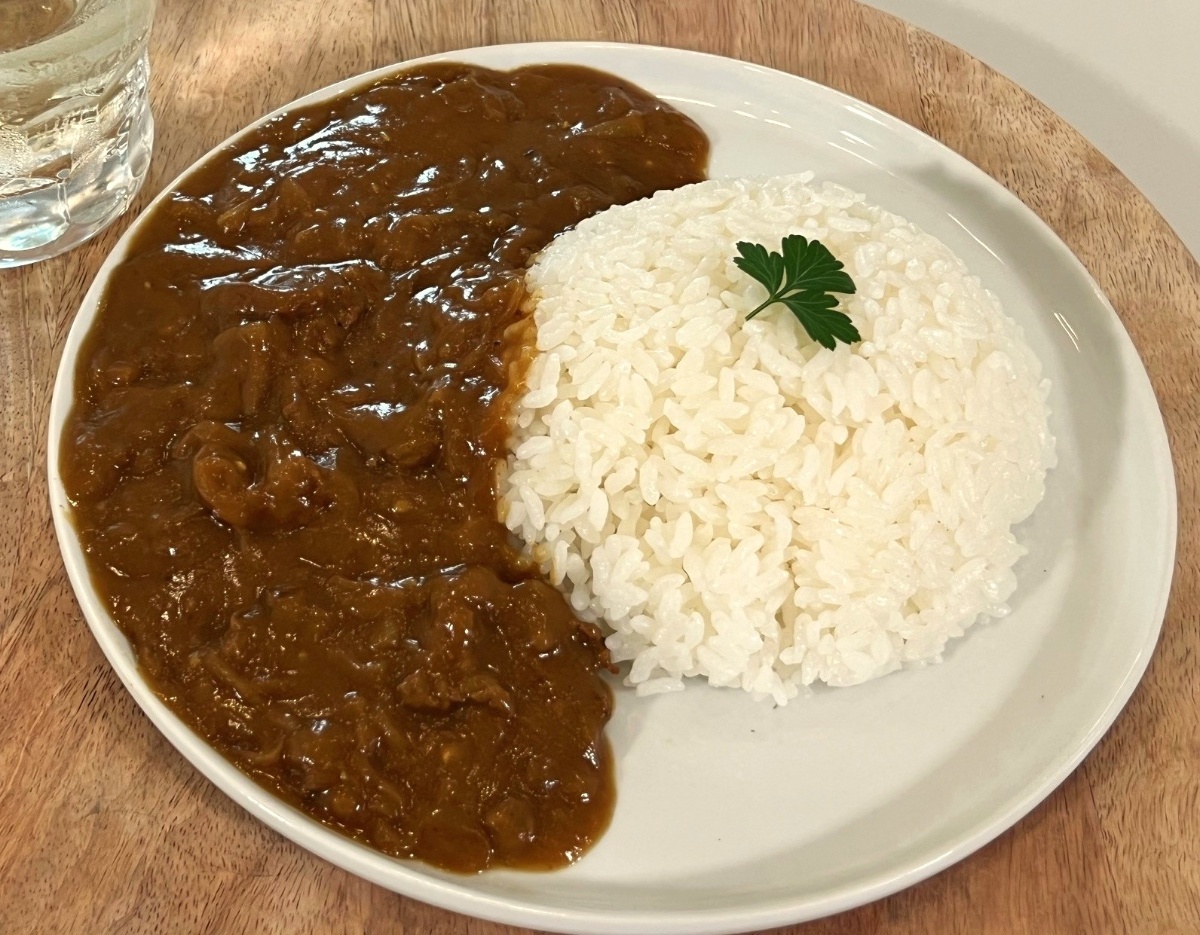
Beef curry
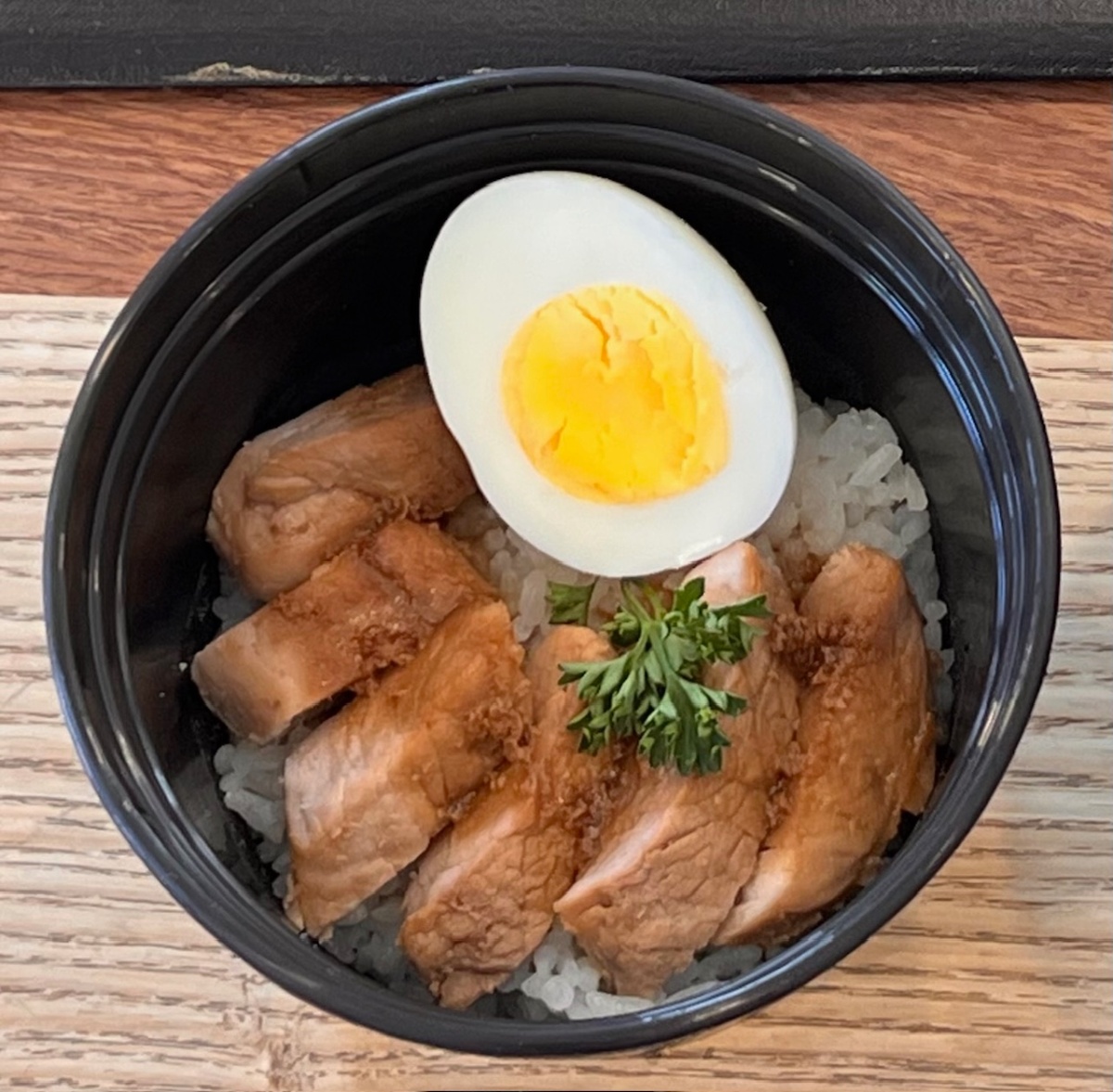
Chicken Teriyaki
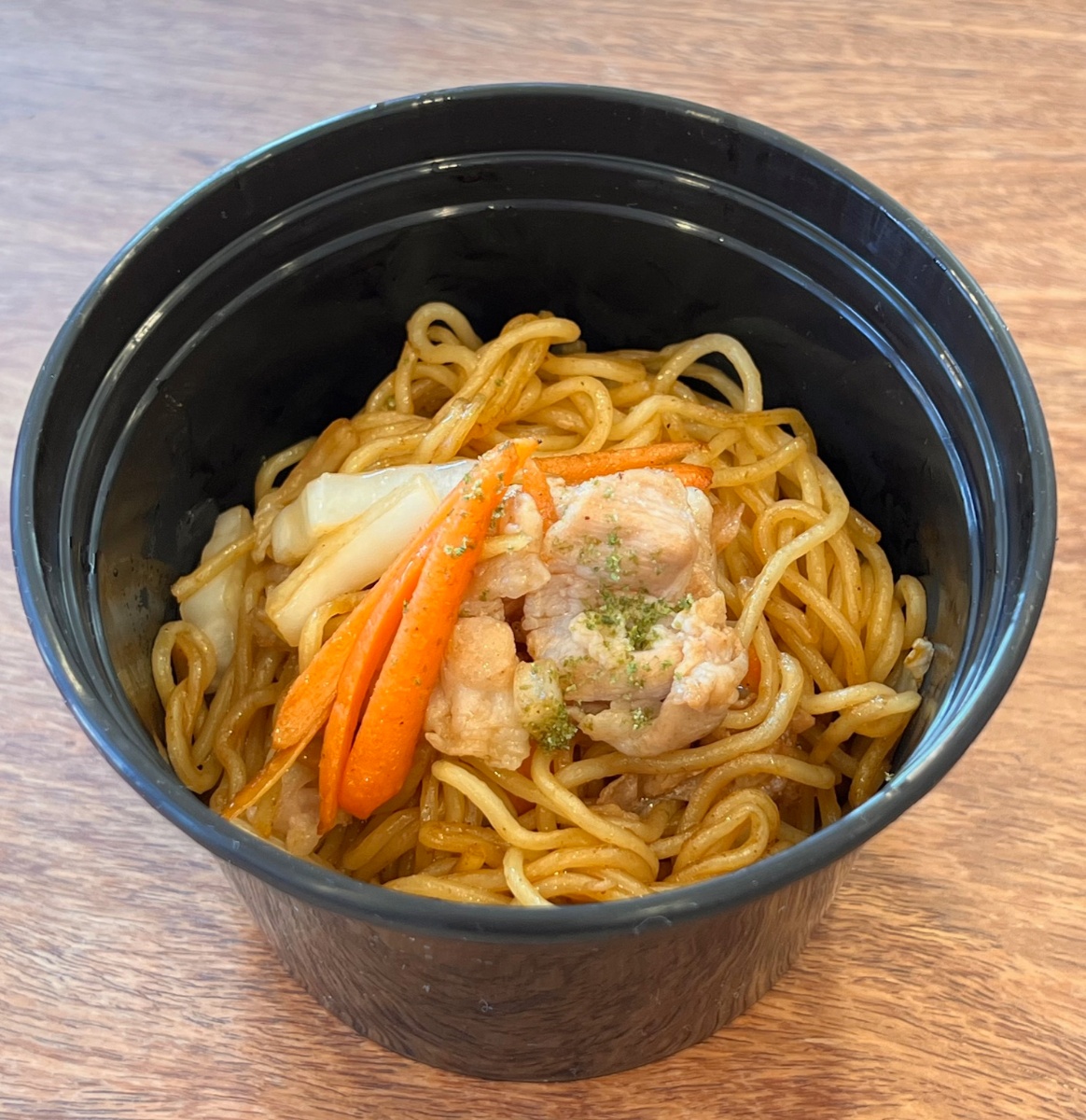
Japanese fried noodles
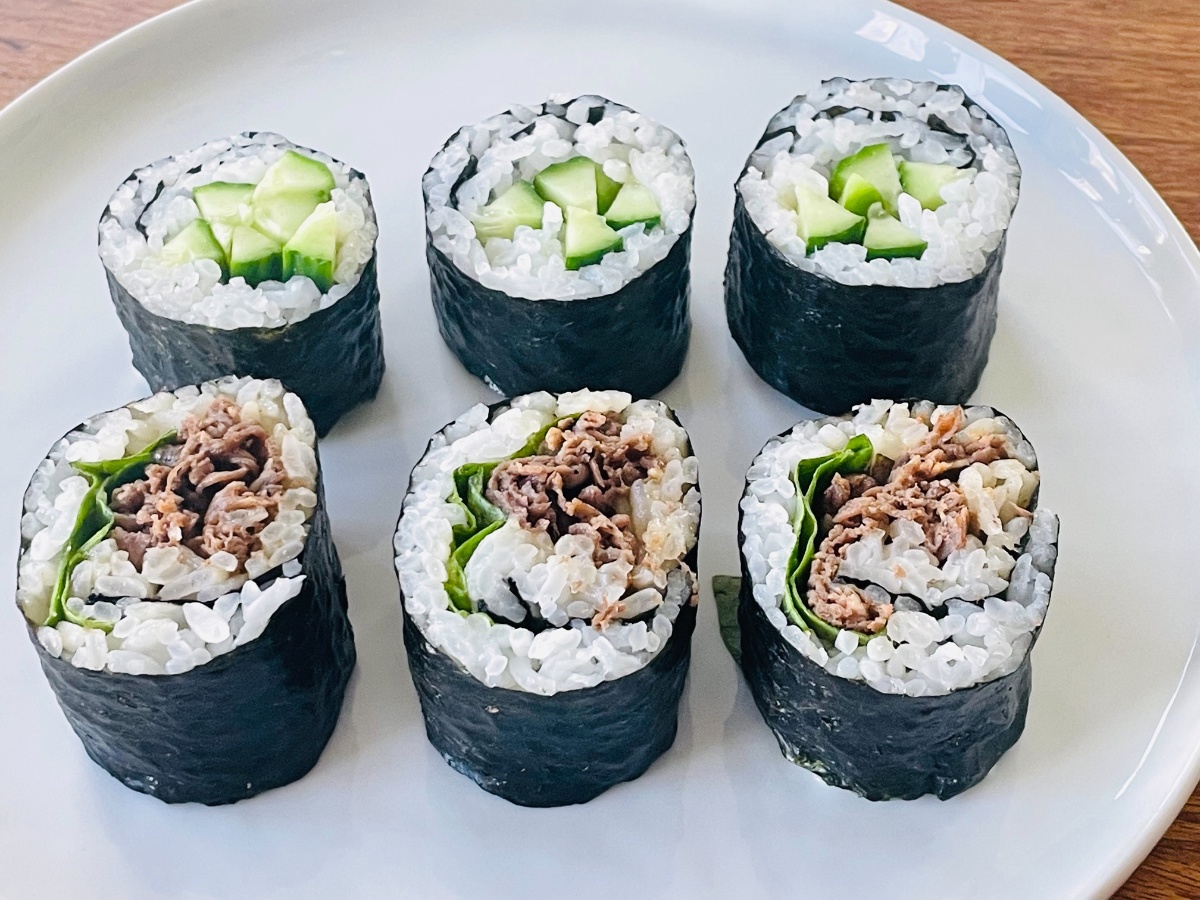
Sushi rolls
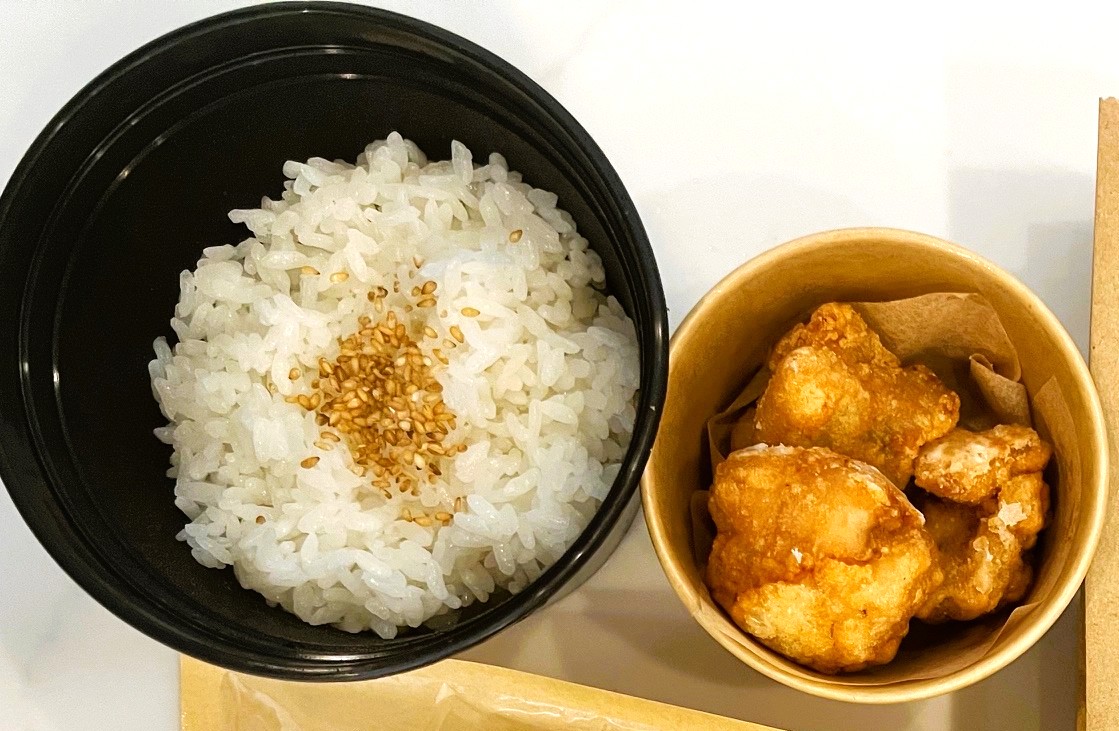
Fried chicken
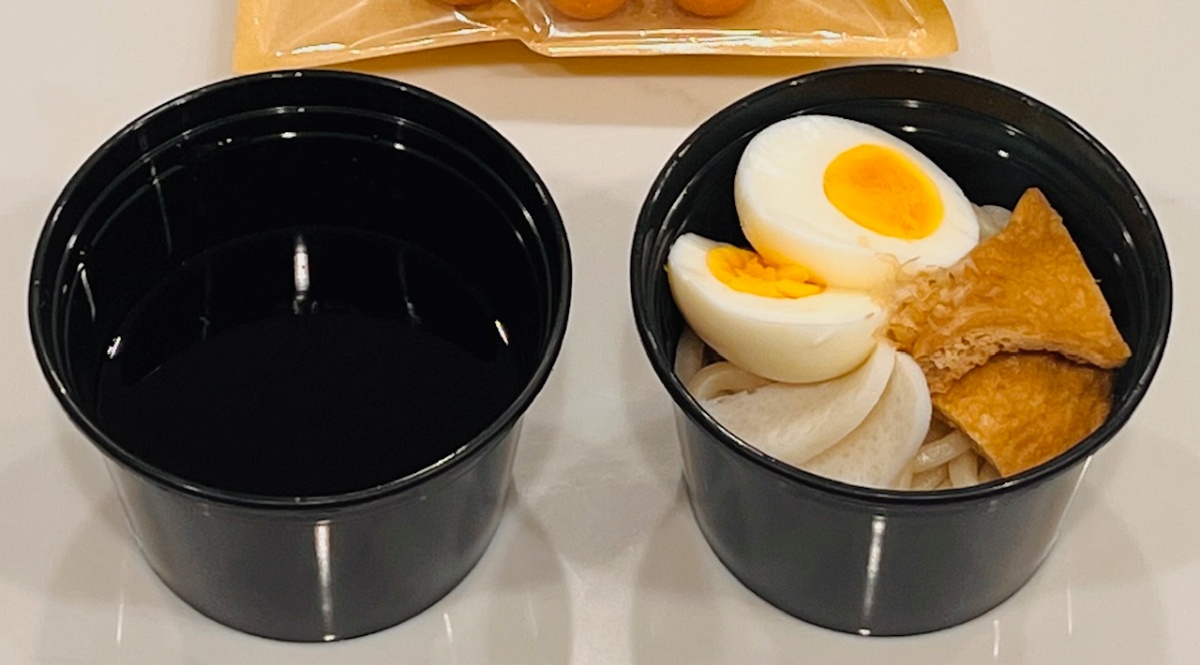
Udon (Cold)
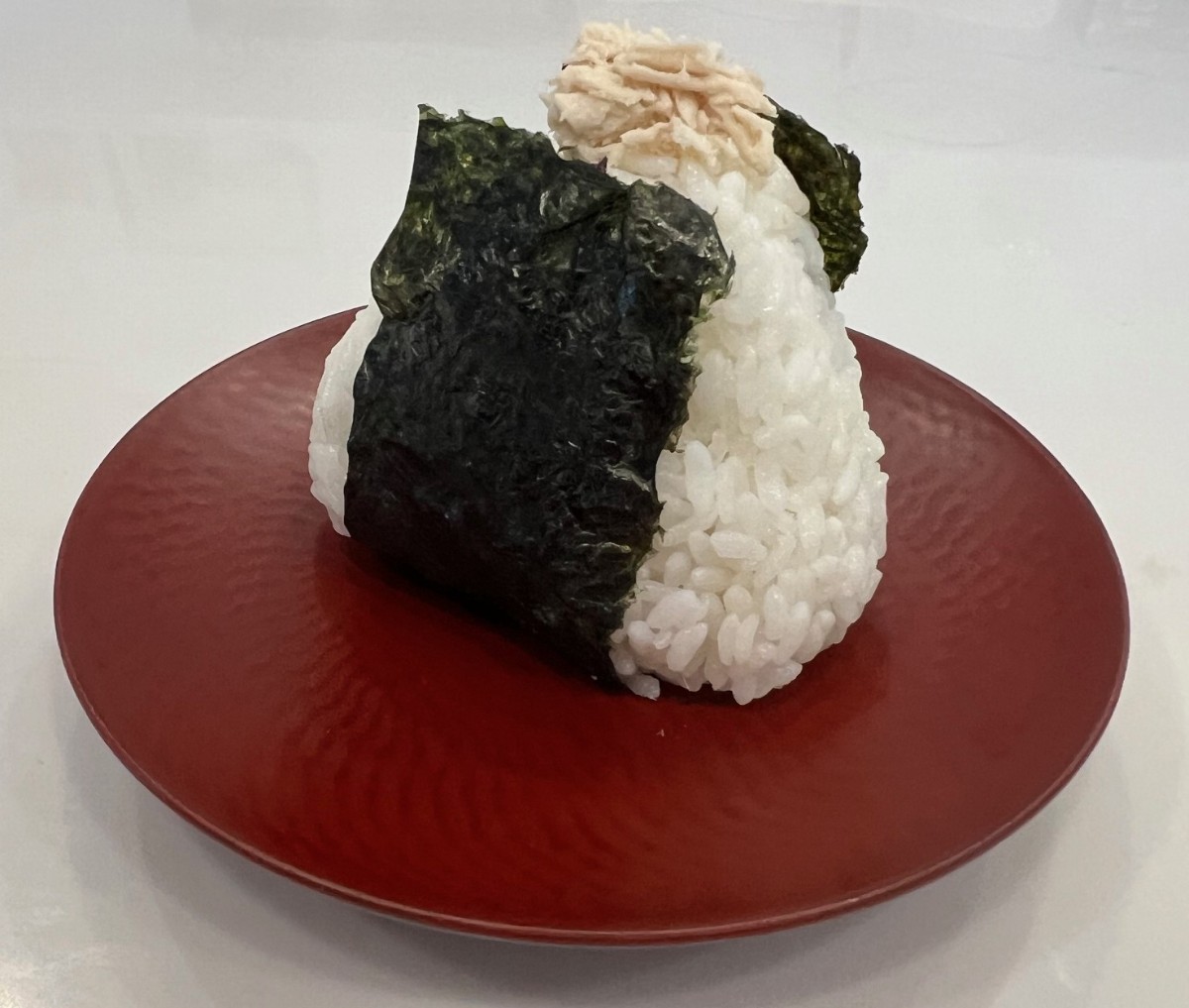
Rice balls (Tuna mayo, Salmon)
Chicken Fried Rice
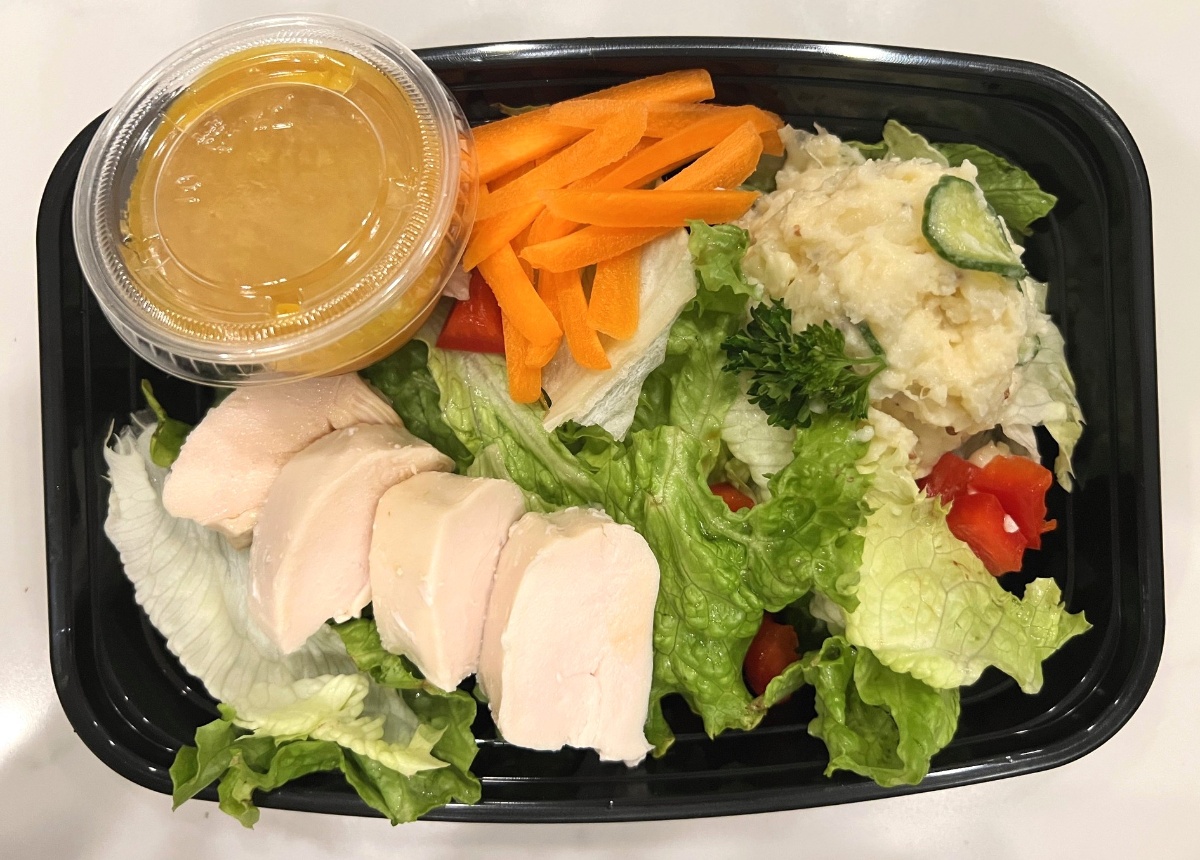
Chicken Salad
How to Order
Select Your Service Week
Click on your desired week within the "Weekly Order" carousel area (e.g., [2/23-2/27] SAA Weekly Lunch) to proceed to the daily menu selection screen.
Choose Your Menu
Select a menu item for each day of the week. For any day you do not wish to purchase lunch, please select "None". Once choices for all days are completed, click the "Add to order" button to proceed.
Note on Price & Quantity
Please do not change the quantity (keep it as 1) or select the $0.00 price at the top of the page. This is a system requirement. The correct price will be automatically calculated and updated as you select your daily menu items below.
Proceed to Checkout
Once you have added your selection to the order, click the "Cart" button (or the cart icon) to review your items and proceed to the final checkout screen.
Enter Student Details & Checkout
In the "Note for delivery" field (or "Add a note for the seller"), you must enter your child's Full Name and Grade. This ensures the lunch reaches the correct student. After entering the details, complete your payment.
Required Information
Example: John Smith, G3
Visit our main website at goodfoodworks365.com